Back
How to Teach Calculus Online

In this article
- What do you need to teach calculus online?
- How do you write long derivations clearly on an online whiteboard?
- How do you use graphs to explain derivatives and integrals?
- How do you get students to practice calculus live?
- How do you check calculus understanding online?
- How should you structure an online calculus lesson?
- Frequently asked questions
- Teach your next calculus lesson on a live whiteboard
To teach calculus online, write derivations by hand on a shared whiteboard, connect every rule to a graph, and let students write the next step of a problem themselves. Type the notation that is hard to read in handwriting, use a graphing tool for tangents and areas, and record lessons so students can replay long derivations.
Calculus lessons are long chains of reasoning. A derivative of a product, a substitution in an integral, a limit that needs factoring first: each one is a dozen lines where a single slip ruins the answer. Online, students need to see those lines appear at the pace you explain them, and they need to try the steps themselves while you watch.
What do you need to teach calculus online?
You need a whiteboard with plenty of space for long derivations, a pen tablet or stylus, a way to type clean notation, a graphing tool and a way for students to write. Video and chat in the same window keep you watching faces while you write.
For calculus in particular, check:
- Room to write: several board tabs per lesson, and zoom and pan for long derivations.
- Typed notation: an equation editor for integrals, limits and fractions that are hard to read by hand.
- Graphs on demand: a graphing tool that shows a function, its tangent or the area under it.
- Student writing: drawing access you can give one student at a time.
- Recording: long derivations are the lessons students most want to replay.
A stylus makes the biggest difference in calculus. If you are choosing one, read our guide to a drawing tablet for online teaching.
How do you write long derivations clearly on an online whiteboard?
Write long derivations clearly by typing the starting expression, writing each step by hand underneath, and keeping one problem per tab. In Educastic:
- Type the problem with the Formula tool: open the Formula Tool group, choose Formula, write it in LaTeX or with the symbol menus, and click Apply. Save integrals you use every week as favorites.
- Write each step by hand below the typed problem, one line per step.
- Name the rule in the margin in a second color: "chain rule", "u = 3x + 1", "by parts".
- Zoom out and pan when a derivation runs long instead of squeezing the writing.
- Start a new tab for the next problem, so the finished one stays readable.
Keep the stabilizer low for math handwriting. A high stabilizer smooths strokes but can round off the corners of small symbols like dx.
With guests in class: people who join without an account don't see blank new tabs, only tabs opened from an uploaded file. Open guest activities from a file, or keep them on the Home tab.
How do you use graphs to explain derivatives and integrals?
Use graphs to show what each calculus idea means before students compute it. A derivative is the slope of a tangent; an integral is an area. Students who see those pictures make fewer sign and setup mistakes.
| Idea | What to graph in Desmos | Question to ask |
|---|---|---|
| Limit | A function with a hole or a jump | What value does y approach from each side? |
| Derivative | f(x) and its tangent line at one point | Is the slope positive, negative or zero here? |
| Critical points | f(x) and f'(x) together | Where does f'(x) cross zero, and what does f do there? |
| Definite integral | f(x) with the region under it shaded | Is the area above or below the axis? |
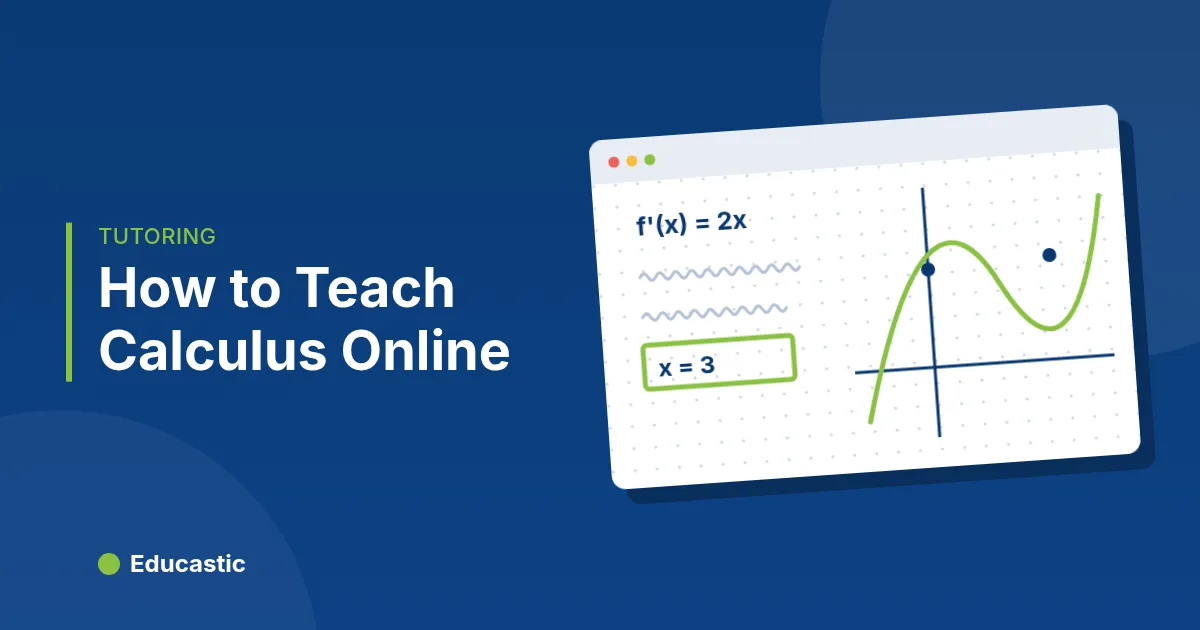
In Educastic, choose Graph in the Formula Tool group, build the graph in Desmos and click Apply. The graph is placed as an image on a new tab, where you and your students annotate it: mark the tangent point, shade a sign, label a maximum.
How do you get students to practice calculus live?
Get students practicing live with the "next step" routine: you set the problem, and one student at a time writes only the next line. Turn on Whiteboard Tools Access for that student in the ATTENDEES & PRIVILEGES panel, then turn it off and pass it to someone else.
The routine works especially well for:
- Choosing the method. Before anyone writes, ask "product rule or chain rule?" and let students vote in chat.
- Setting up substitutions. One student writes u and du; the next rewrites the integral.
- Spotting errors. Write a solution with one deliberate mistake and ask a student to circle it.
In one-to-one tutoring, the student can keep drawing access for the whole session, since nobody else is waiting.
How do you check calculus understanding online?
Check understanding with short questions that test the idea, not the arithmetic. "Is f increasing at x = 2?" with a graph tells you more than a long computation does. Use Educastic's in-class tests for two or three questions, with single-choice answers for concepts and text answers for short results.
At the end of each lesson, ask students to write one rule they used and one place they got stuck. Their answers show you where the next lesson should start. For more ideas, read our guide to checking for understanding online.
How should you structure an online calculus lesson?
A 60-minute online calculus lesson can follow this structure:
- Recall (5 minutes): one quick question on last lesson's rule.
- Idea (10 minutes): the graph that shows what today's rule means.
- Worked example (15 minutes): you derive by hand, students predict each step.
- Guided practice (20 minutes): students write the next step, one at a time.
- Check (10 minutes): a two-question test and one "where did you get stuck?" answer.
Record the session and save the board as a PDF (Save Whiteboard Tab > Save as PDF), so students have both the video and the worked pages before homework.
Frequently asked questions
What is the best way to write calculus notation online?
Type the hard parts and write the rest. Educastic's Formula tool places typed integrals and limits on the board, and you write the steps by hand underneath.
Can I teach calculus online with a mouse?
You can, but it is slow. Long derivations are far easier with a pen tablet, a touch screen with a stylus or an iPad in the browser.
Can students see a live, editable Desmos graph?
No. In Educastic the Desmos graph is placed as an image on a new tab. Open Graph again to change it.
Can I record calculus lessons for revision?
Yes. Educastic records the session, and recordings are kept in the My Recordings tab of My Library.
Teach your next calculus lesson on a live whiteboard
Type one integral, graph its area and let a student write the first step. Open the Educastic online whiteboard and try the next-step routine in your next class. Educastic is free for early adopters.