


Welcome to Educastic
Live the ultimate online collaboration experience
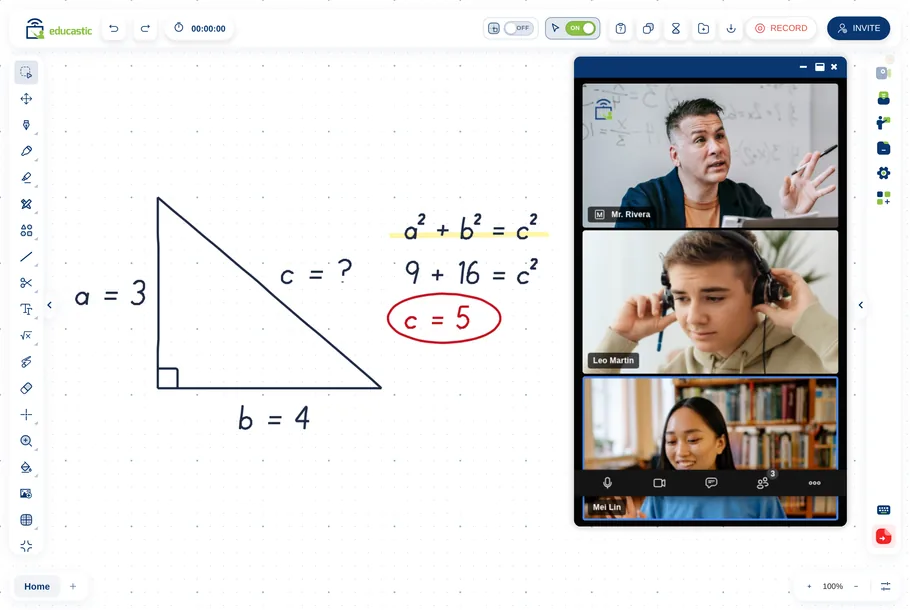
Discover the versatility of the tool and share your knowledge easily and effectively through real-time online collaboration.

Subject
Specific Tutoring

100+
Online Courses

Verified
Private Tutors
Educastic integrates with the tools that will allow you to manage your sessions effectively and easily


Get to know educastic's tools
Customizable workspace
In educastic you can annotate a document, share your screen, record sessions, share audio and video, and all the necessary functions to transmit a lesson effectively as well as interact live with attendees.
Subscribe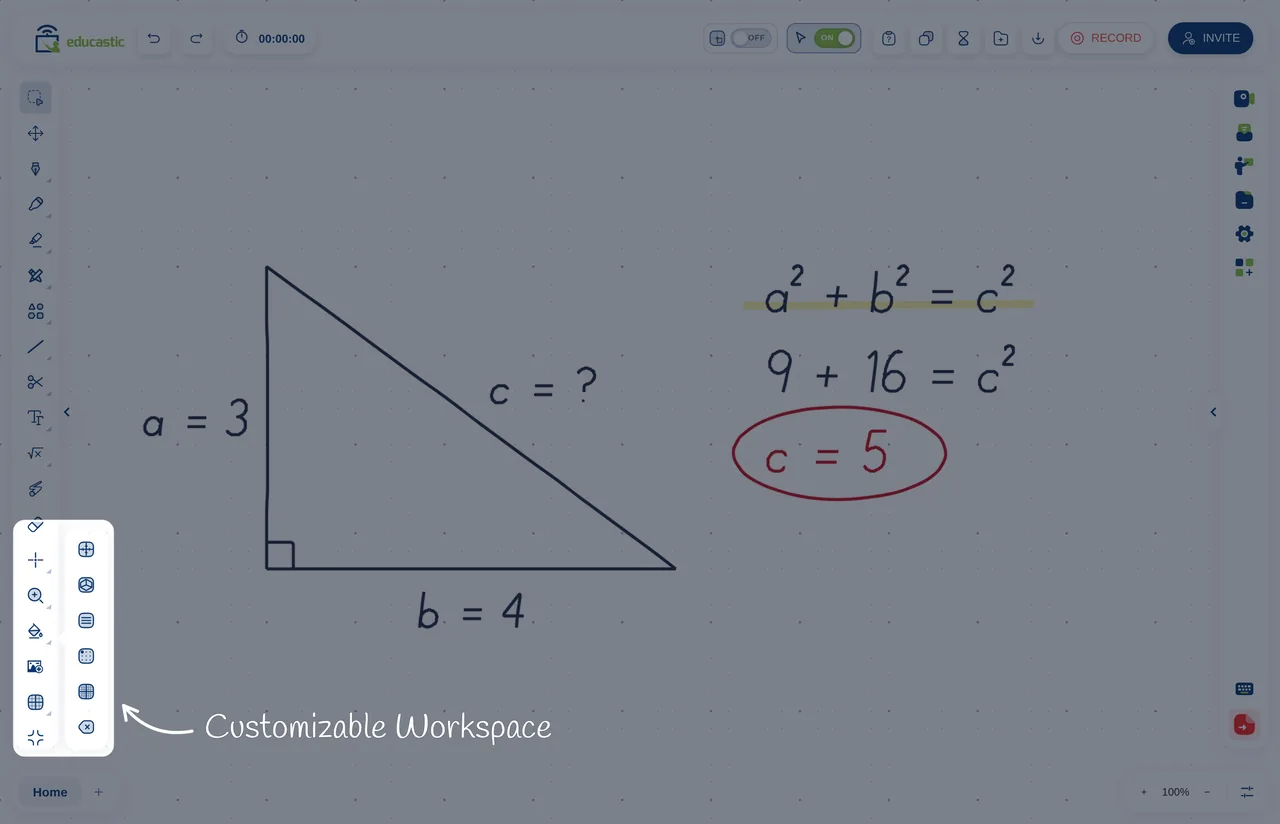
Highlighting tools
Educastic provides you with all the drawing and highlighting tools, to help you markup, annotate draw, crop, and many more.
Our whiteboard gives you the classroom sensation for your courses.
Subscribe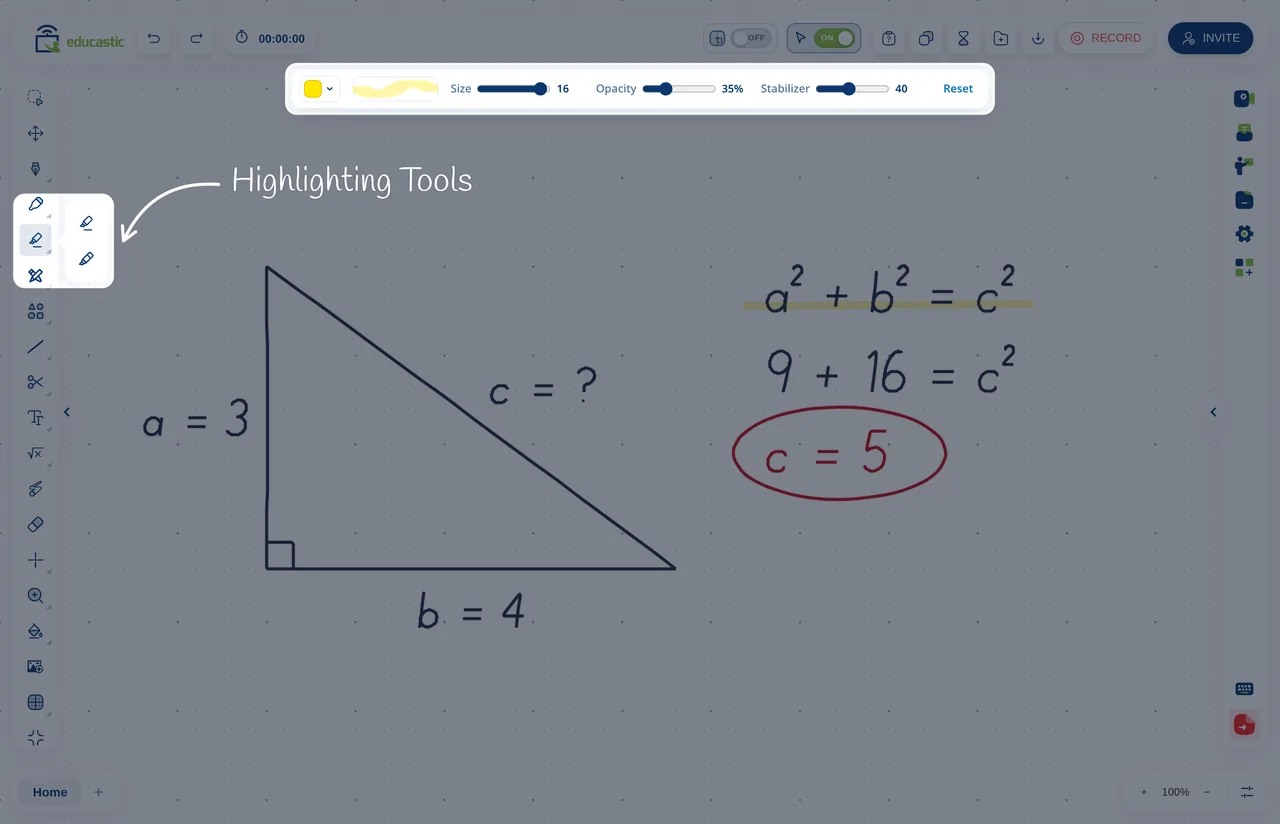
Record sessions
In case you want to archive and reuse your Educasts, our Recording session feature lets you keep a copy of all your Educasts for later viewing and offering them to non-live students.
Subscribe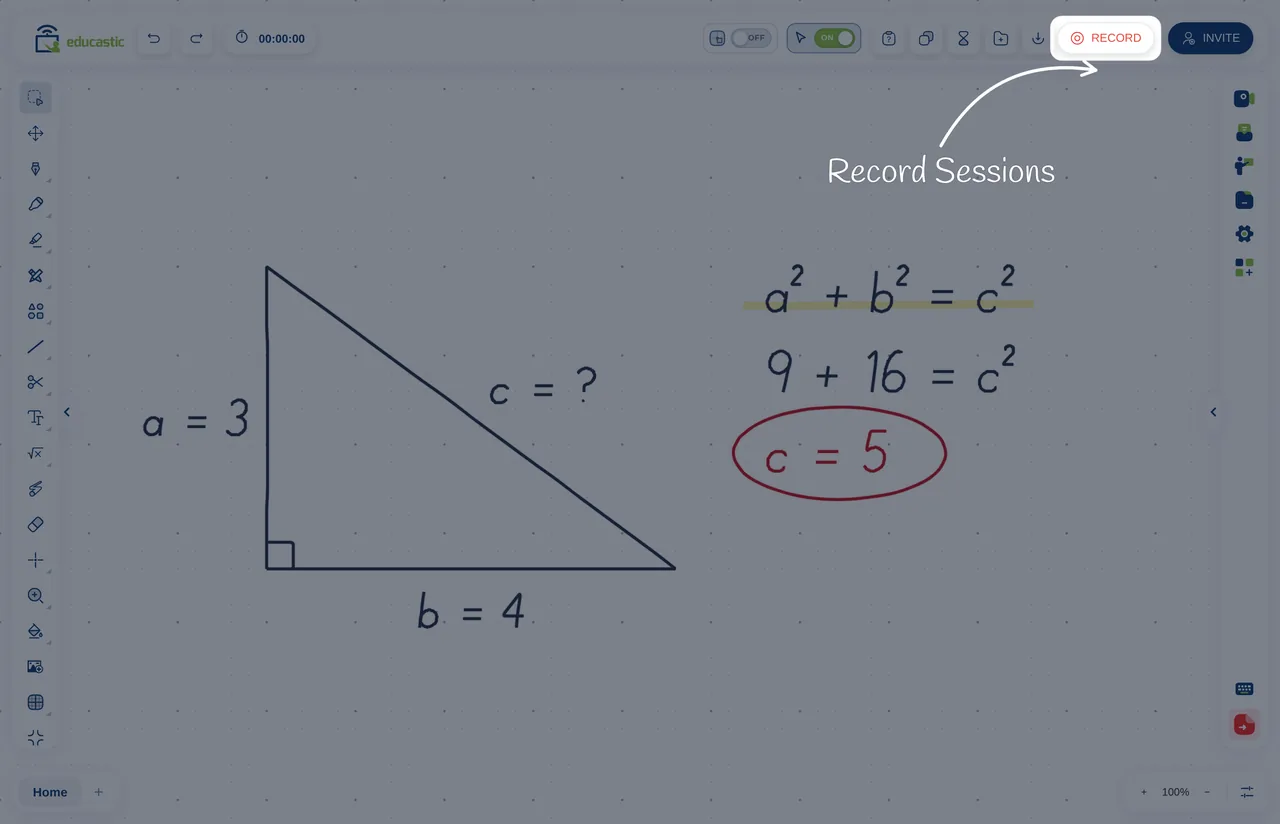
Upload Resources
Educast allows you to upload all your class materials: documents, pictures, videos, and questions.
It supports all the major file types and video formats.
In case you forgot to upload before the start of your Educast, you can upload a file directly from your storage sources to the live Educast.
Subscribe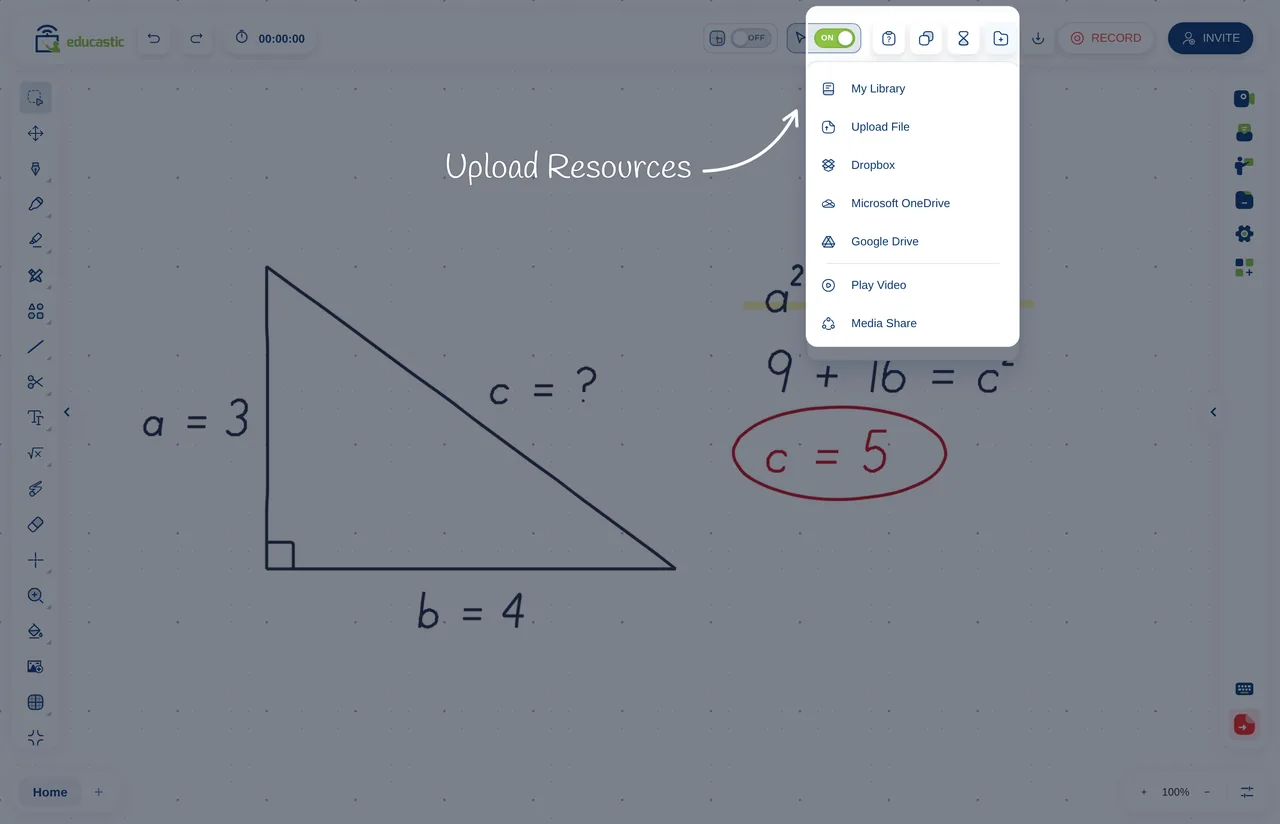
Toolbar
All the whiteboard features can be accessed using the customizable toolbar.
Choose what tools you need to work with, so the toolbar is manageable to fit your needs.
Subscribe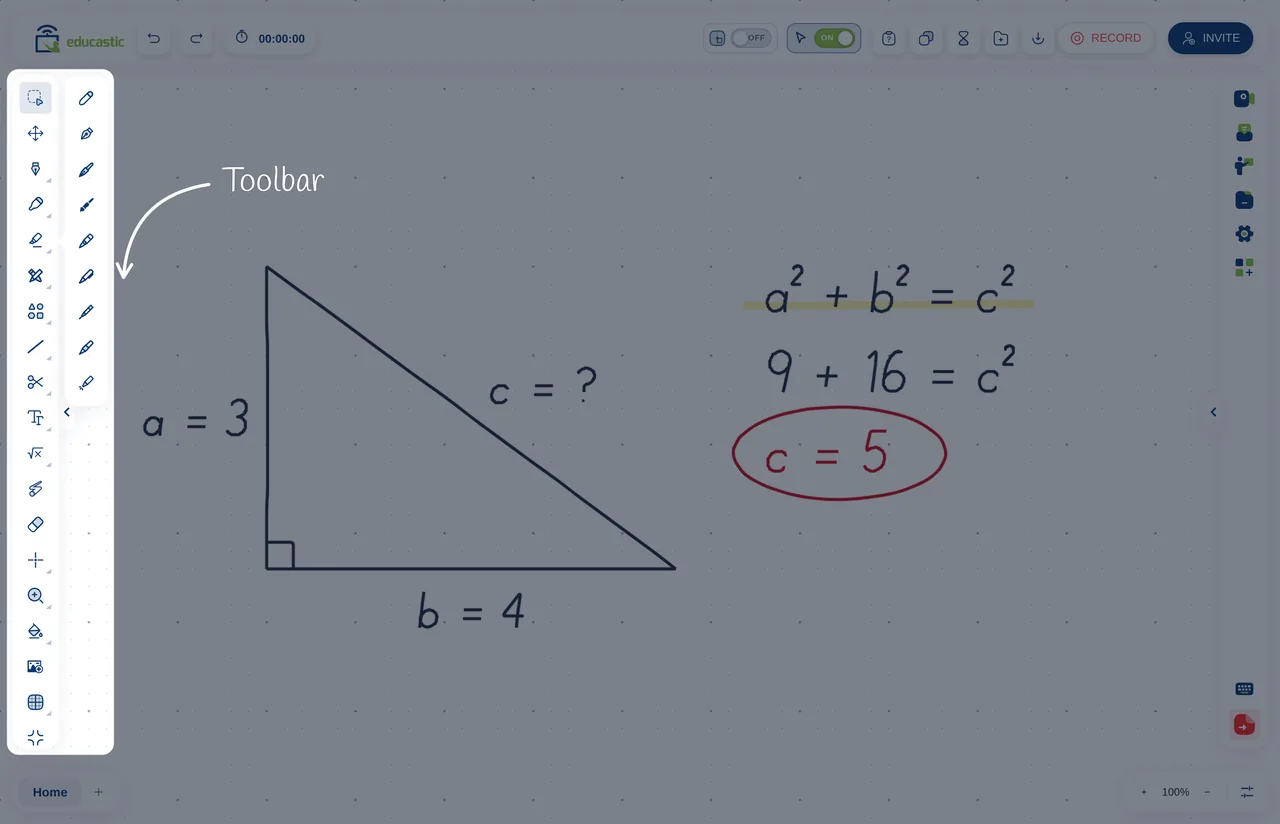
Webcam
Interact with your students live using the webcam.
This will give your presentations a real live classroom feel.
You can mute and unmute students and hide or unhide them.
The webcam uses your computer camera, microphone, and speakers, which are configurable through settings.
Subscribe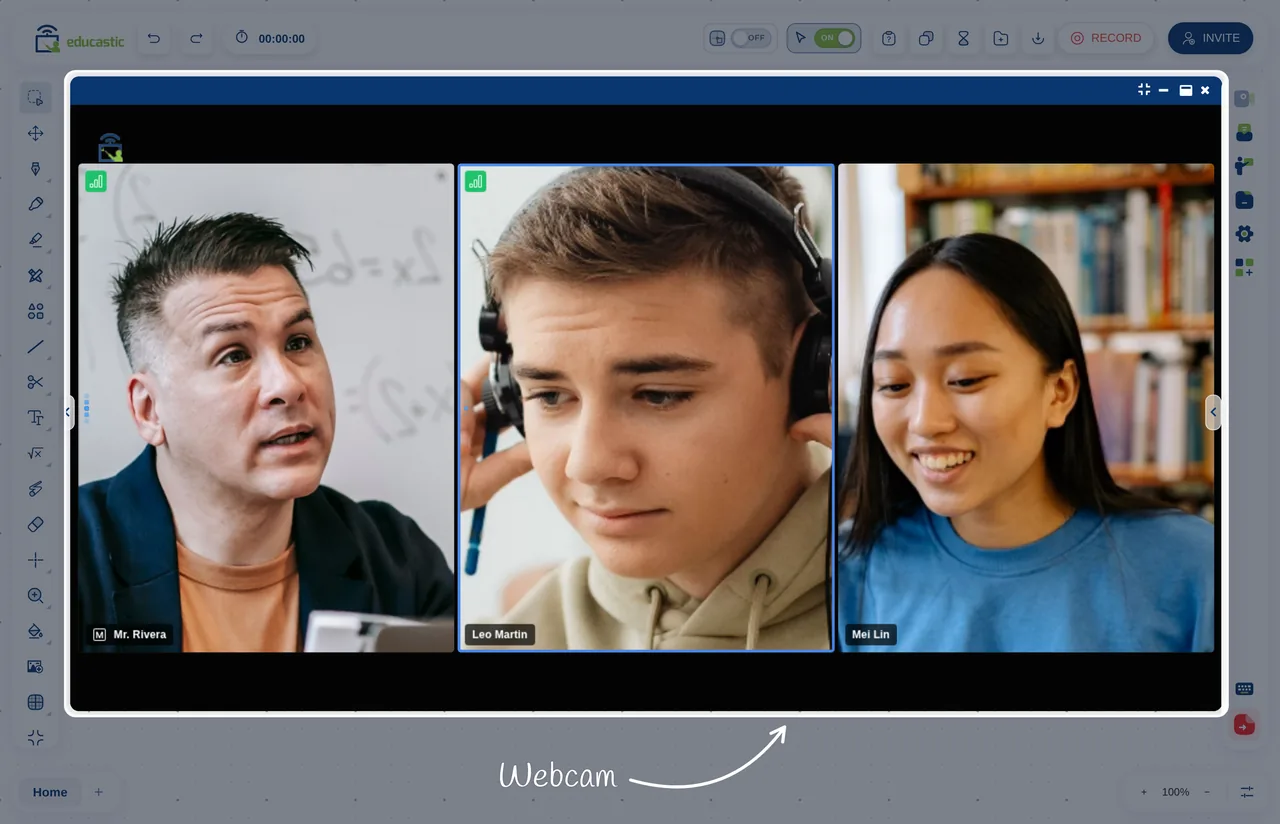
Chatroom
The chatroom allows you to communicate with students while the Educast is running, without having to interrupt the presentation.
You can send voice notes and texts with emojis.
Subscribe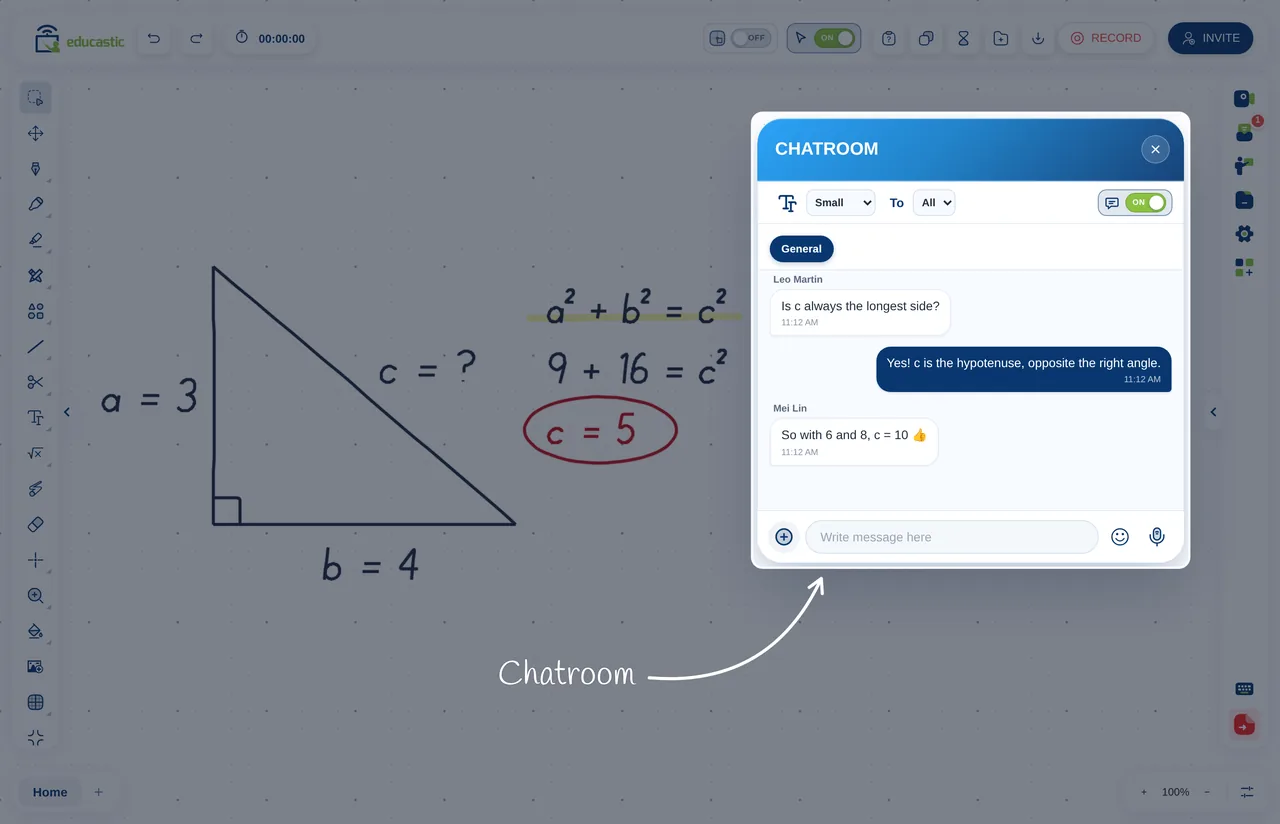
Screen Sharing
In order to present documents and videos and the whiteboard, you can share your screens with students.
This allows for complete interaction and expands your teaching resources.
Create PowerPoint presentations or pre-recorded videos, for example, and show them using your screen.
Subscribe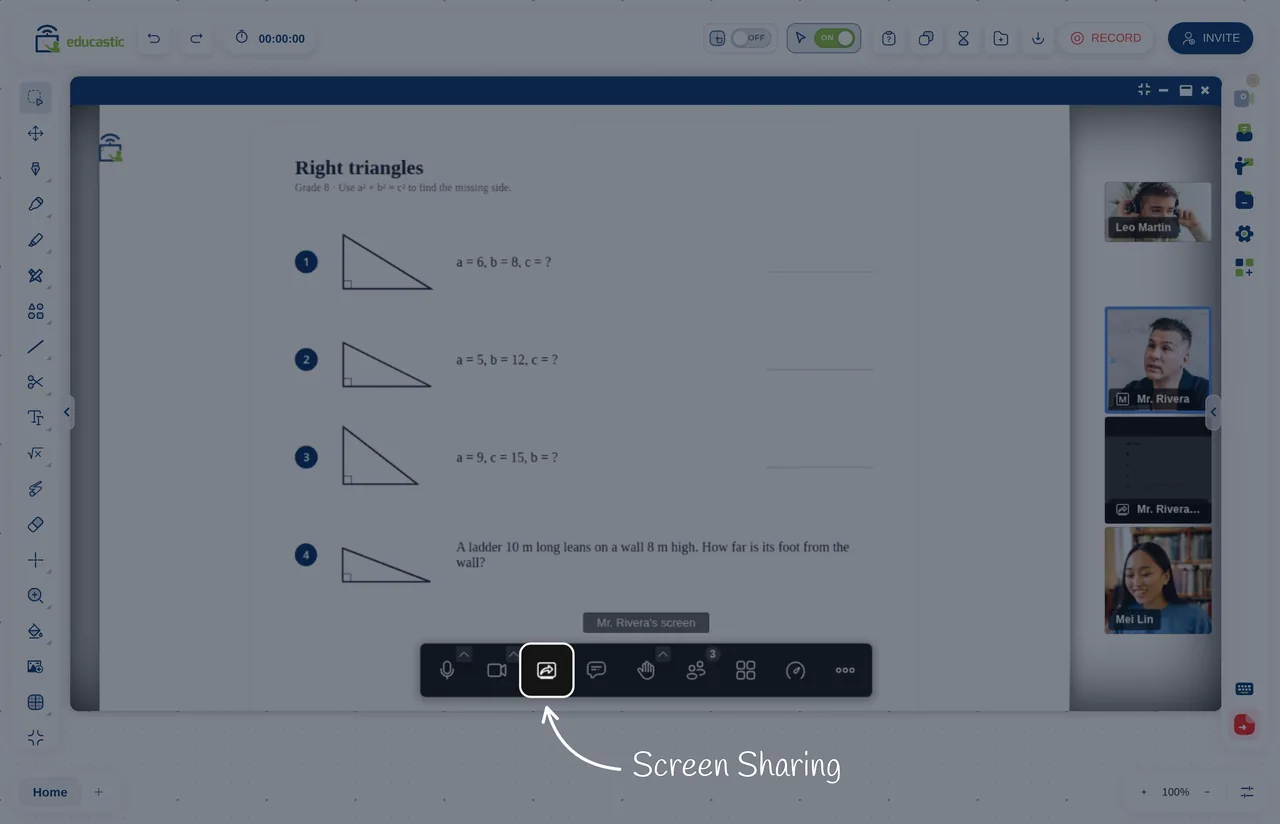
Whiteboard
The whiteboard is the center of the Educast, trough the use of multiple tabs you can load all your teaching materials and have the whiteboard tools to draw, annotate do math, etc.
This allows you to have every resource available and loaded so you won’t waste time loading or going to an outside program to present your course.
Educastic has it all!.
Subscribe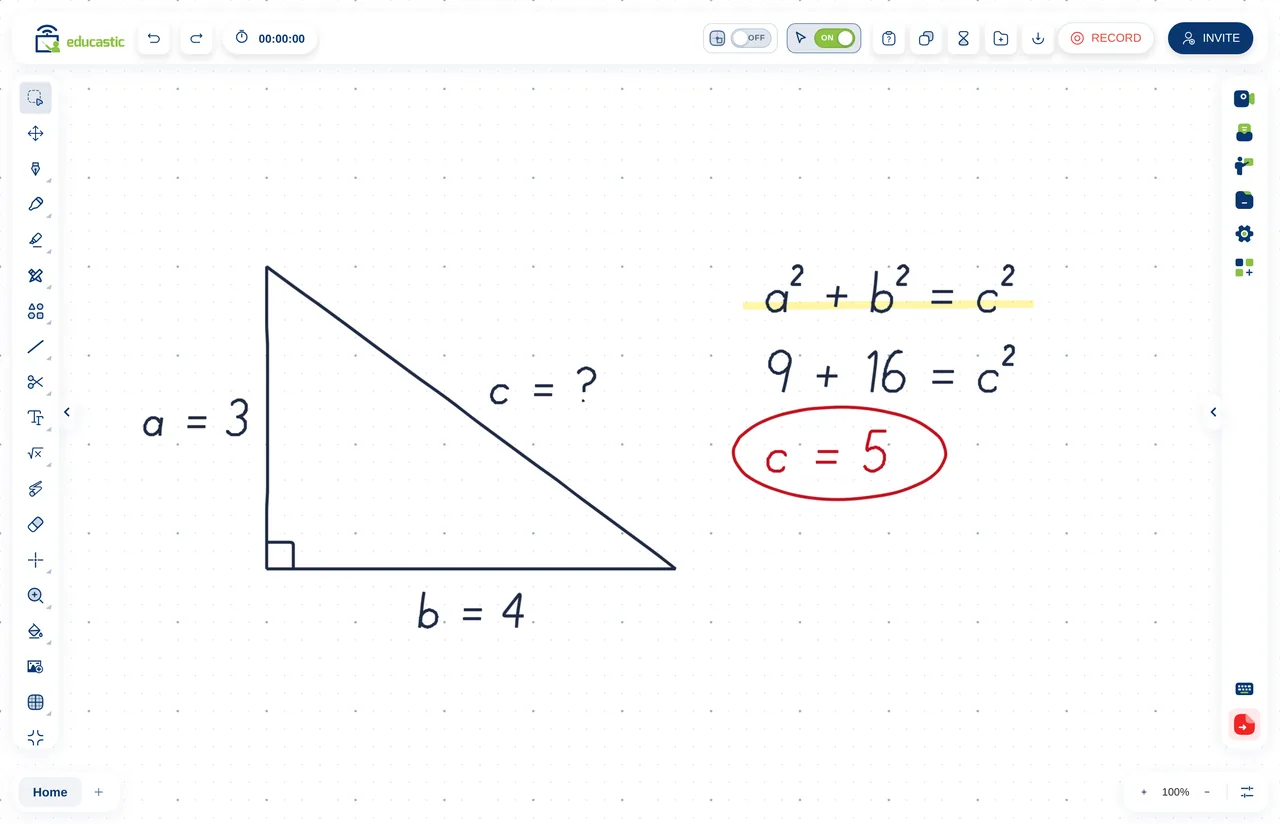
User Privileges
Educastic allows you to give certain privileges to user such as drawing on the whiteboard, speaking, uploading a file, and chatting with the group.
The teacher can turn these privileges on or off as he wishes.
Subscribe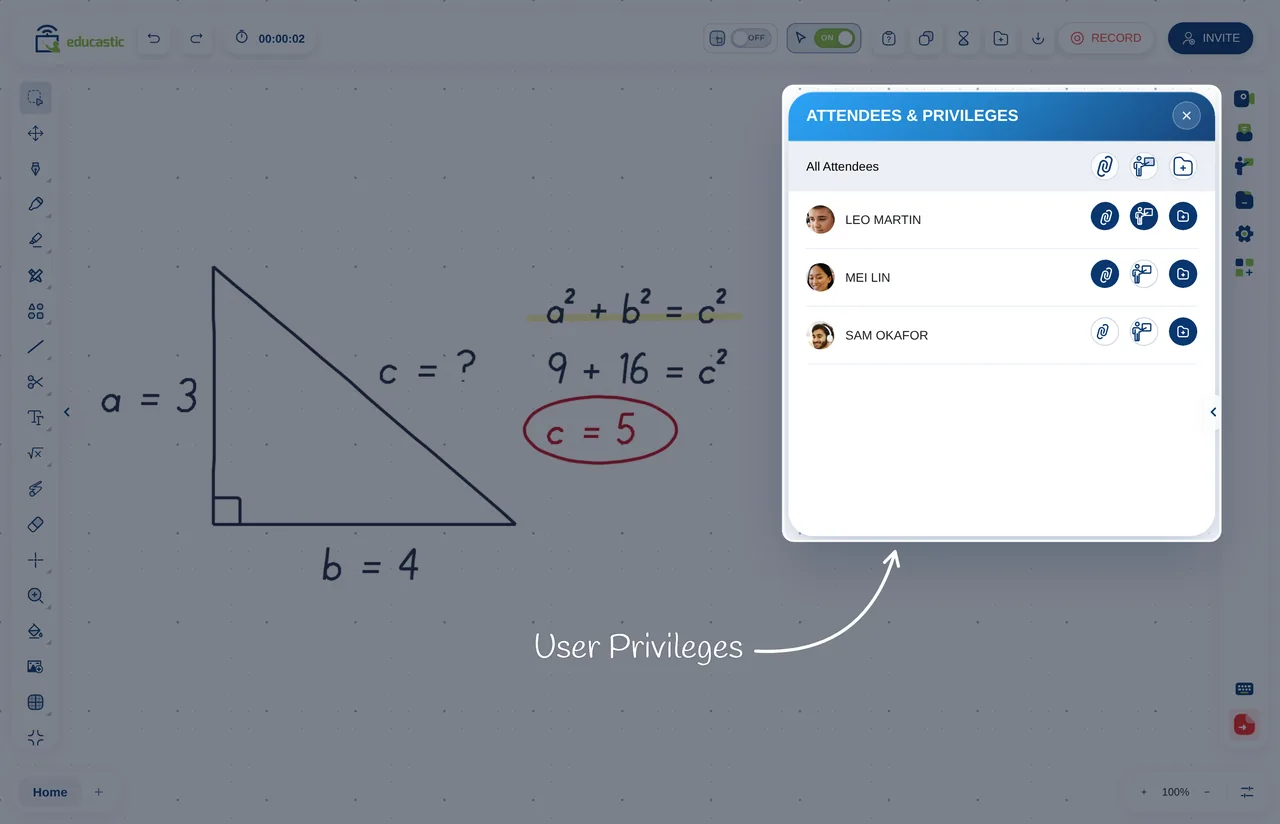
Features of Educastic

User-defined features

Multi-language

Plugin-free

Ability to submit feedback for additional features


Public and private courses

Free support 24/7

Secure and private cloud hosting and storage

Ease of use

Full chat capabilities

Minimal setup time

All teaching features included in the free version
Educastic supports Panamanian Foundations











Recent Blogs
Pizarra colaborativa...
 5 Nov, 2026

Educastic Team
Collaborative Whiteb...
5 Nov, 2026
Educastic Team
Plataforma para dar...
5 Nov, 2026
Educastic Team
Online Tutoring Plat...
5 Nov, 2026
Educastic Team