

Libreta y bloc de dibujo en clase online: guía de apuntes
Cómo alumnos y docentes guardan apuntes privados, dibujos y capturas de la pizarra en una clase online con la libreta y el bloc de dibujo de Educastic.
-

-
3 Nov, 2026
Notebook and Sketch Pad in an Online Class: Private Notes Guide
How students and teachers keep private notes, sketches and board screenshots in a live online class with Educastic's Notebook and Sketch Pad, step by step.
-
-
3 Nov, 2026
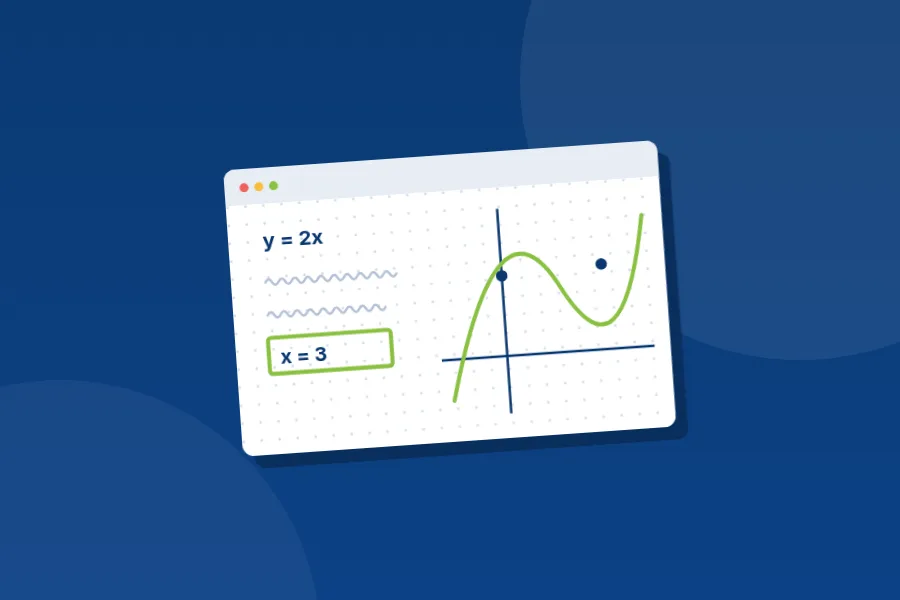
Herramientas de matemáticas en la pizarra digital: guía práctica
Aprende a escribir ecuaciones, graficar funciones con Desmos, usar papel cuadriculado o plano cartesiano y abrir una calculadora científica en clase online.
-
-
3 Nov, 2026
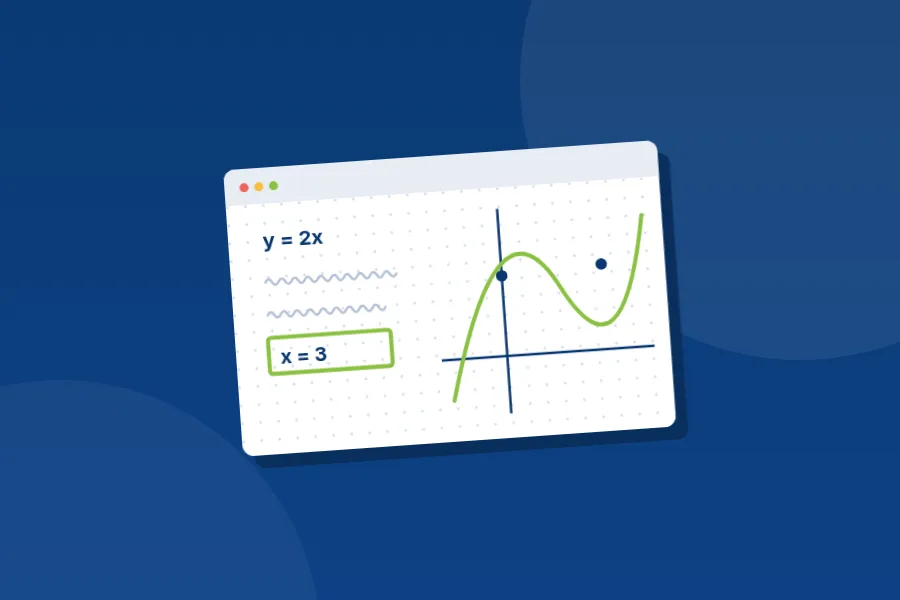
Math Tools on an Online Whiteboard: Formulas, Graphs and Grids
How to type equations, graph functions with Desmos, switch to graph or coordinate paper and use a scientific calculator during a live online math lesson.
-
-
3 Nov, 2026
Puntero láser y cursores en vivo en la pizarra digital: guía
Señala sin dejar marcas: usa un puntero láser que se desvanece, muestra tu cursor a la clase, mira dónde señalan tus alumnos y elige un puntero visible.
-
-
3 Nov, 2026
Laser Pointer and Live Cursors on an Online Whiteboard: A Guide
Point without leaving marks: use a fading laser pointer, show students your cursor, see where they point and pick a pointer they can spot on any screen.
-
-
3 Nov, 2026
Formas, texto y notas adhesivas en la pizarra digital: guía
Dibuja formas y flechas, usa líneas discontinuas o punteadas, añade relleno, escribe en cuadros de texto y pega notas adhesivas en la pizarra digital.
-
-
3 Nov, 2026
Shapes, Text and Sticky Notes on an Online Whiteboard: A Guide
Draw shapes and arrows, switch to dashed or dotted lines, add a fill, type text boxes and place sticky notes on an online whiteboard. A guide for teachers.
-
-
3 Nov, 2026
Lápices y pinceles de la pizarra digital: ajustes y usos
Elige la pluma, el pincel o el resaltador adecuado y ajusta color, tamaño, opacidad y estabilizador para que tu letra se lea bien en tus clases online.
-
-
3 Nov, 2026
Pen and Brush Settings on an Online Whiteboard: A Guide
Choose the right pen, brush or highlighter for each job and set its colour, size, opacity and stabilizer so your handwriting stays neat in online lessons.
-
-
3 Nov, 2026
Herramientas de la pizarra digital: guía completa para docentes
Todas las herramientas de la pizarra digital de Educastic explicadas: plumas, pinceles, formas, texto, láser, matemáticas, barra superior, paneles y zoom.
-
-
3 Nov, 2026
Online Whiteboard Tools: A Complete Guide for Teachers
Every tool on the Educastic online whiteboard explained: pens and brushes, shapes, text, laser, math tools, the top bar, side panels, tabs and zoom.
-
-
3 Nov, 2026
Showing 13 to 24 of 92